What Is Ollama? How to Run AI Models on Your Own Computer
You open a chat with an AI assistant, type a question, and get an answer in seconds. But have you ever wondered where that answer was actually produced?
You open a chat with an AI assistant, type a question, and get an answer in seconds. But have you ever wondered where that answer was actually produced? In most cases, your question travels over the internet to a large server owned by a technology company, gets processed there, and comes back to you.
What if the AI model lived on your own laptop instead? No account, no per-message fee, and no data leaving your device. That is exactly what a tool called Ollama makes possible, and it has become one of the most talked-about tools among students, developers and AI beginners.
This guide explains what Ollama is, how it works, what you need to run it, how it compares with cloud AI tools, and why it is a useful skill for anyone planning a career in artificial intelligence, data science or software.
What Is Ollama?
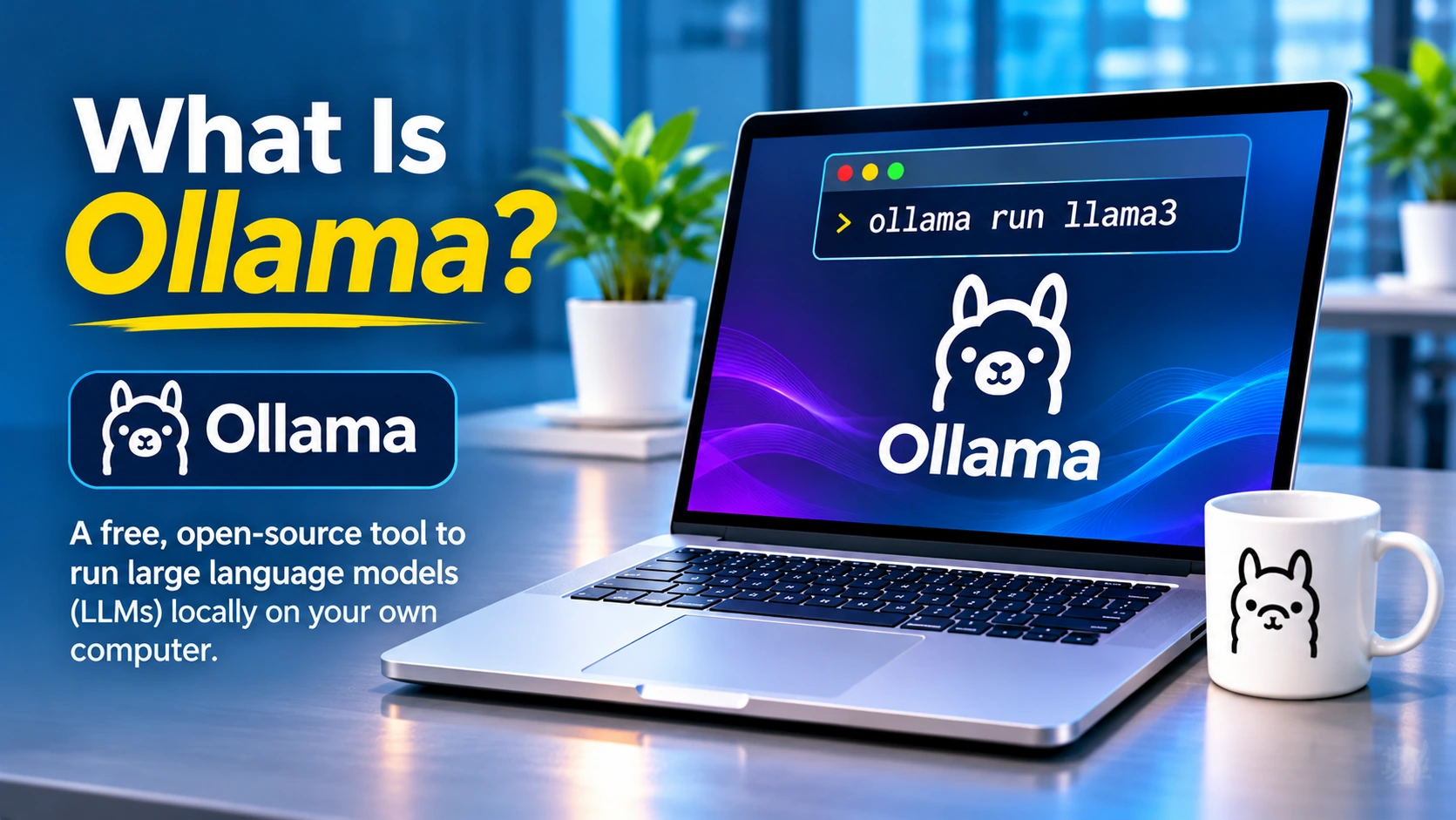
Ollama is an open-source tool that lets you download, manage and run large language models (LLMs) on your own computer. Think of it as an app store and engine for AI models, all in one. You install Ollama once, pull a model with a single command, and start chatting with it on your own machine.
A few points make the definition clearer:
It runs locally. The model works on your laptop or desktop, not on a company's server.
It runs open models. These are AI models whose weights are openly released, such as Llama, Gemma, Mistral, Phi and DeepSeek-R1.
It is an inference tool, not a training tool. Ollama runs models that already exist. It is not a place to train a model from scratch.
It works on Windows, macOS and Linux.
In simple words, Ollama is the easiest way to try a real AI model on your own computer without building anything complicated.
What Is a Large Language Model (LLM)?
To understand Ollama, it helps to know what it runs. A large language model is an AI system trained on huge amounts of text so that it can understand questions and generate human-like answers. It can write, summarise, translate, explain code and answer questions. The assistants you see online are built on LLMs. Ollama lets you run smaller, openly available versions of these models yourself.
How Does Ollama Work?
Ollama has two parts that work together:
A background service that loads a model into your computer's memory and runs it. By default it listens on your own machine (localhost, port 11434), so nothing is sent to the internet when you chat.
A command line tool that lets you download, start and manage models.
When you ask a question, Ollama sends it to the model in memory, the model generates the answer, and the text appears on your screen. If your computer has a supported graphics card (GPU), Ollama uses it automatically to speed things up. If not, it runs on the CPU, which works but is slower.
Key Features of Ollama
Runs offline: after a model is downloaded, you can use it without an internet connection.
Privacy: your prompts and files stay on your computer, which matters when you work with sensitive data.
No per-message charges: you pay for your hardware, not for each question.
Simple commands: one command downloads a model and another starts a chat.
Many models: a library of open models in different sizes, from small ones for laptops to very large ones for powerful machines.
Local API: developers can connect their own apps to Ollama through a REST API, including an OpenAI-compatible endpoint, and a Python library.
Works with other tools: chat interfaces such as Open WebUI can sit on top of Ollama to give it a browser-style screen.
Popular Models You Can Run with Ollama
Model family
Size examples
Good for
Llama (Meta)
1B, 3B, 8B, 70B
General chat, writing, summaries
Gemma (Google)
1B, 4B, 12B, 27B
General tasks on modest hardware
Mistral
7B
Fast, capable general model
Phi (Microsoft)
Phi-4 Mini 3.8B
Small, light model for laptops
DeepSeek-R1
Several sizes
Reasoning-style answers
Qwen2.5-Coder, CodeLlama
7B and others
Writing and explaining code
LLaVA
Vision models
Questions about images
The number such as "7B" means seven billion parameters. Larger models are usually more capable but need more memory. Model names and sizes change often, so check the Ollama model library for the latest list.
What Do You Need to Run Ollama? (System Requirements)
Requirement
Details
Operating system
Windows 10 or later (64-bit), macOS 11 Big Sur or later, or most modern Linux distributions
RAM
8 GB minimum for small models, 16 GB recommended for mid-size models (around 8B), 32 GB or more for larger models
Storage
From about 2 GB to 70 GB or more per model. Keep 10 to 15 GB free to start
GPU
Optional. NVIDIA and AMD GPUs are used automatically. Without one, Ollama runs on the CPU, more slowly
These are general guidelines. Real needs depend on the model you choose, so start with a small one.
How to Install and Use Ollama (Step by Step)
Download and install. On Windows and macOS, download the installer from the official Ollama website and run it. On Linux, use the install command given on the website.
Check the installation. Open a terminal or command prompt and type ollama --version.
Download a model. Type ollama pull llama3.2 (or any model name from the library).
Start chatting. Type ollama run llama3.2 and ask your question. Type /bye to exit.
Manage your models. Use ollama list to see downloaded models and ollama rm to delete one.
Tip for beginners: start with a small model of around 1B to 3B parameters. It downloads faster, runs on most laptops and is enough to learn how everything works.
Ollama vs ChatGPT and Other Cloud AI Tools
Ollama is often compared with cloud AI assistants. They solve the same problem in different ways.
Point
Ollama (local)
Cloud AI assistants
Where it runs
On your own computer
On the company's servers
Internet
Needed only to download models
Needed every time
Data privacy
Prompts stay on your device
Prompts are sent to a server
Cost
No per-message fee, but you need capable hardware
Often free tiers plus paid plans
Model power
Smaller open models, limited by your hardware
Usually the largest and most capable models
Setup
Install and download a model
Open a website or app
Customisation
High: you can build apps and adjust model behaviour
Limited to what the service allows
Neither is better in every case. Cloud tools are easier and usually more capable. Ollama gives you privacy, control and a chance to see how AI works under the hood, which is exactly why students and developers like it.
What Is Ollama Used For?
Learning how LLMs work: run a real model, change settings and see the result, without paying for each query.
Private document work: summarise or question notes and files without sending them to a third party.
Coding help: run a code model locally to explain, fix or write code.
Building AI apps: connect a chatbot, a study assistant or a search tool to Ollama's local API.
Offline use: use AI where the internet is slow or unavailable.
Testing and prototyping: try different open models side by side before choosing one for a project.
Research experiments: compare model sizes, speed and answer quality on your own data.
Student Project Ideas with Ollama
A study assistant that answers questions from your own class notes.
A code explainer that reads a program and explains it in simple words.
A resume or cover letter reviewer that runs fully offline.
A local chatbot for a college club or department website.
A model comparison report that tests two or three models on the same questions and records speed and quality.
Limitations of Ollama
Ollama is useful, but it is worth knowing its limits:
Hardware matters. On a CPU, a 7B model can answer slowly, a few words per second, while a modern GPU is much faster.
Smaller models can be less accurate than the biggest cloud models. Always check important answers.
Large downloads. Models take several gigabytes of storage each.
Licences differ. Each model has its own licence, so check the model card before commercial use.
It runs models; it does not train them. Training and fine-tuning need other tools and more computing power.
Is Ollama Safe and Free?
Ollama itself is open-source and free to download. Because the model runs on your device, your prompts stay local, which is a privacy advantage. As with any software, download Ollama and models only from official sources.
Why Should Students Learn Ollama?
Employers in technology are looking for people who can do more than use an AI chat window. They want people who understand how AI models are run, connected and tested. Learning Ollama gives you early, practical exposure to:
Running and comparing language models
Working with APIs and connecting AI to your own applications
Handling data privately and responsibly
Basic command line skills
Understanding hardware limits such as memory and GPUs
These are the same ideas used in professional AI and data projects, only on a smaller scale.
Skills You Need to Get the Most Out of Ollama
Core knowledge
Python programming
Basics of machine learning and neural networks
How language models, prompts and tokens work
Technical skills
Command line and basic operating system use
APIs and simple web applications
Working with data and databases
Professional skills
Clear problem solving and testing
Responsible use of AI, including privacy and checking answers
Documenting and presenting your projects
Careers Linked to Local AI and Language Models
Skills around tools like Ollama support roles such as AI engineer, machine learning specialist, data scientist, AI software developer, data analyst and software developer. Many companies now want AI features that run privately inside their own systems, so understanding local models is a useful advantage.
Studying AI and Computer Science at Medicaps University
If Ollama made you curious about how AI works, the Faculty of Engineering and Faculty of Computer Applications at Medicaps University, Indore, offer programmes that build these skills from the basics.
B.Tech CSE (Data Science): four-year programme covering data analysis, big data and machine learning, with tools such as Python, R, Hadoop, SQL, Tableau and TensorFlow.
MBA in Business Analytics: for students who want to use data and analytics tools such as Excel, SQL, Tableau and Python in business roles.
Programmes at Medicaps combine classroom learning with labs, projects and internships, so you can apply ideas such as running and testing AI models in real work. To apply, visit the Medicaps admissions page and read about the MU-SAT scholarship and admission test.
Conclusion
Ollama has made it simple to run an AI model on your own computer: one install, one command, and you are talking to a language model that lives on your machine. It is free, private and a great way to learn how modern AI really works.
But tools change fast. What stays valuable is the foundation underneath: programming, data, mathematics and an understanding of how models learn. If you want to build that foundation and turn your curiosity about AI into a career, a computer science, AI or data science programme at Medicaps University is a good place to start.
Frequently Asked Questions
What is Ollama in simple words?
Ollama is a free, open-source tool that lets you download and run AI language models on your own computer, without needing an online AI service.
Is Ollama free?
Yes. Ollama is free to download and use. You pay only for your own hardware and electricity. Some models have their own licence terms, so check the model card before using one commercially.
Does Ollama need the internet?
Only to download Ollama and the models. After a model is on your computer, you can chat with it offline.
What are the system requirements for Ollama?
A 64-bit Windows 10 or later, macOS 11 or later, or a modern Linux system. As a guide, 8 GB of RAM works for small models, 16 GB is better for mid-size models and 32 GB or more suits larger ones. A GPU helps but is optional.
Which model should a beginner start with?
Start with a small model of about 1B to 3B parameters, such as a small Llama or Gemma model. It downloads quickly and runs on most laptops.
Is Ollama better than ChatGPT?
They are different. Ollama runs on your computer and keeps your data local, but its models are usually smaller. Cloud assistants are easier and often more capable. Many people use both.
Can I run Ollama without a GPU?
Yes. Ollama runs on the CPU if there is no supported GPU, but answers are slower, especially with larger models.
Which courses at Medicaps help me learn AI tools like Ollama?
B.Tech CSE (Artificial Intelligence), B.Tech CSE (Data Science), BCA, MCA and M.Tech Computer Science and Engineering all build the programming, data and AI foundations needed to work with language models.
 Back


 About